
1004ron
-
Posts
3,720 -
Joined
-
Last visited
-
Days Won
169
About 1004ron

Recent Profile Visitors

1004ron's Achievements

Mentor (12/14)
-
 Rare
-
 Rare
-
 Rare
-
 Rare
-
 Rare
Recent Badges
-
Can I disable artificial engine sound in cabin?
1004ron replied to Jombi's topic in Interior, A.C., Heat, Interior Trim
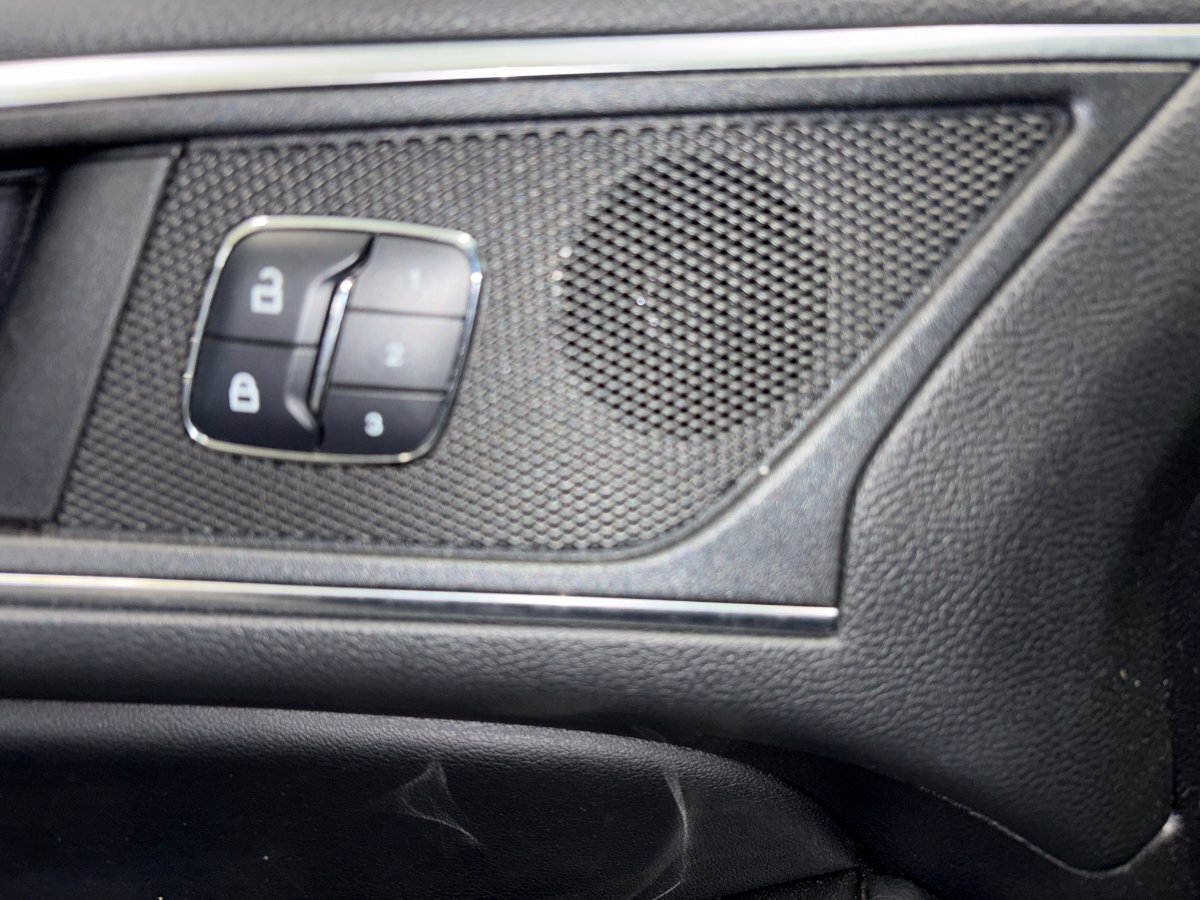
I'm going to give this another try. Mine doesn't have a 9 or an A in this slot, but might experiment with it set to 9. This is what mine is currently set to as per the original As Built file: 727-01-01 10A0 F200 00D2 As can be seen in the attached photo, it does have front tweeters. 727-01-01 xxxx x*xx xxxx Front Tweeters (FT) & Chime Strategy (CS) & ANC (fake engine sound) & USB 0=FT absent & CS : North American & ANC absent & USB absent 8=FT present & CS: North American & ANC absent & USB absent 1=FT absent & CS : North American & ANC absent & USB present 9=FT present & CS: North American & ANC absent & USB present 2=FT absent & CS : North American & ANC present & USB absent A=FT present & CS: North American & ANC present & USB absent 3=FT absent & CS : North American & ANC present & USB present B=FT present & CS: North American & ANC present & USB present 4=FT absent & CS : CIMCA & ANC absent & USB absent C=FT present & CS: CIMCA & ANC absent & USB absent 5=FT absent & CS : CIMCA & ANC absent & USB present D=FT present & CS: CIMCA & ANC absent & USB present 6=FT absent & CS : CIMCA & ANC present & USB absent E=FT present & CS: CIMCA & ANC present & USB absent 7=FT absent & CS : CIMCA & ANC present & USB present F=FT present & CS: CIMCA & ANC present & USB present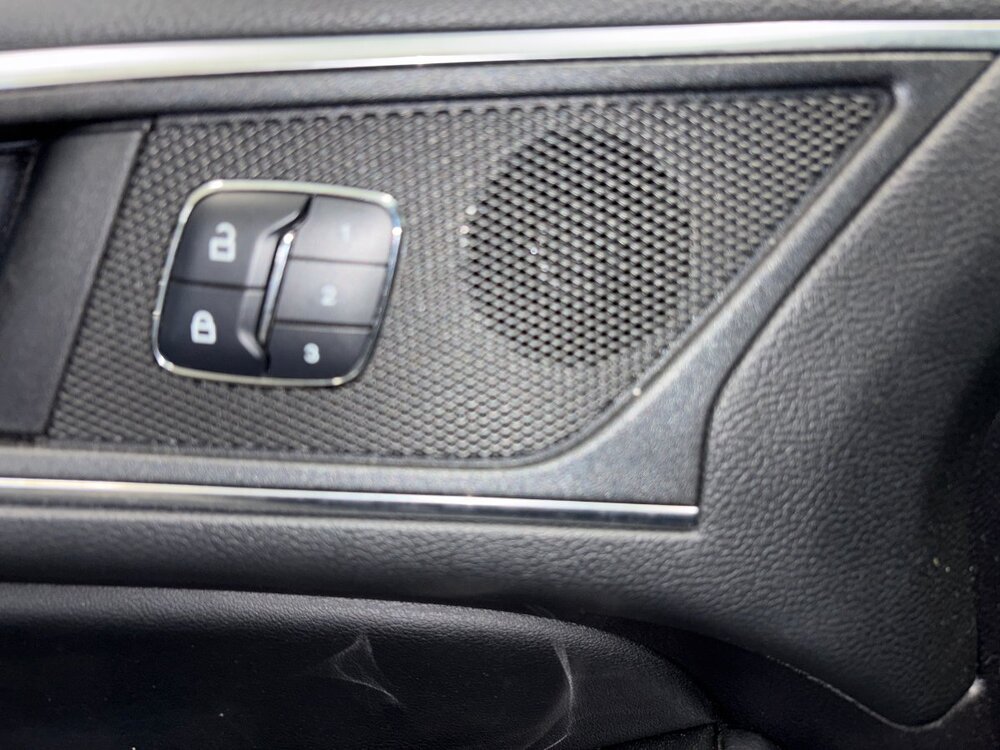
-
Heated / Cooled seat not working.
1004ron replied to bruker's topic in Interior, A.C., Heat, Interior Trim
Please post the images directly to this site. -
Suspect alternator.
-
Welcome. Best you read the stored error codes - places like Autozone can do this for you but find the free app Forscan to be more reliable. Also have the battery health check done, also at Autozone.
-
Group 65 Battery in 2nd Gen Possible?
1004ron replied to omar302's topic in 2015+ Edge & MKX Generation II
I vaguely recall that "13" worked for me after you suggested it - maybe I need to give it more time with the "13" code?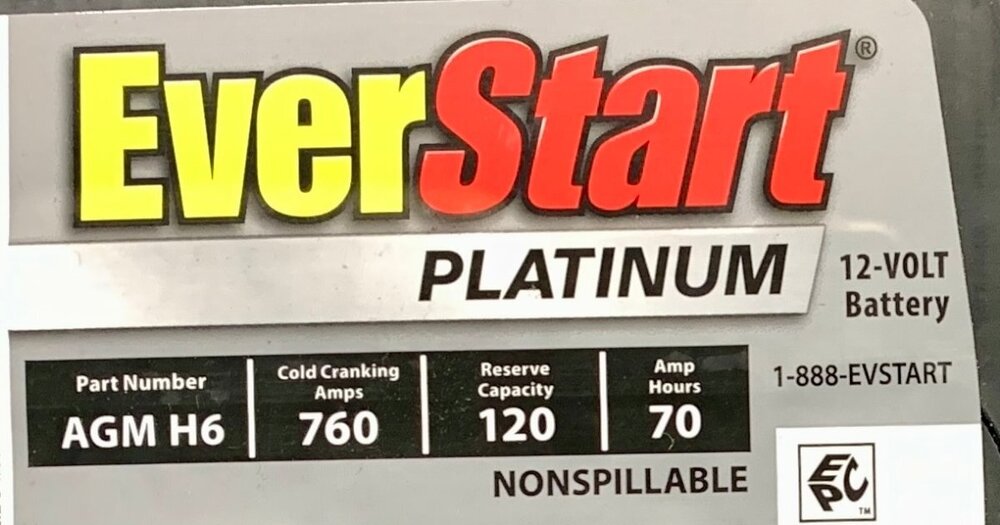
-
Group 65 Battery in 2nd Gen Possible?
1004ron replied to omar302's topic in 2015+ Edge & MKX Generation II
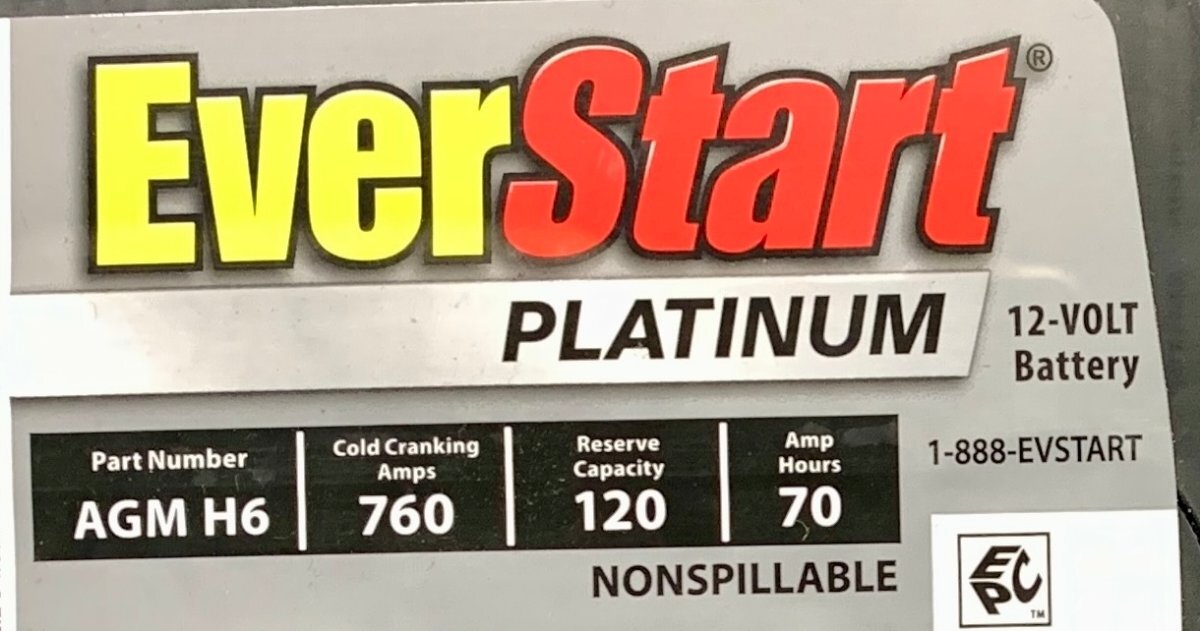
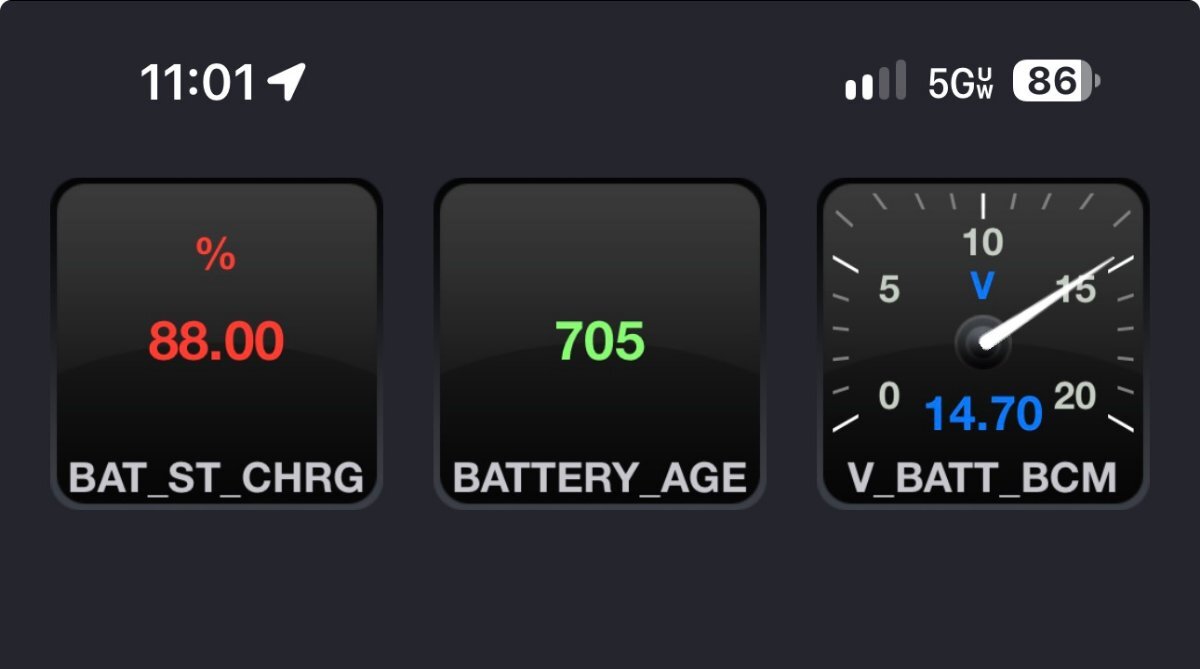
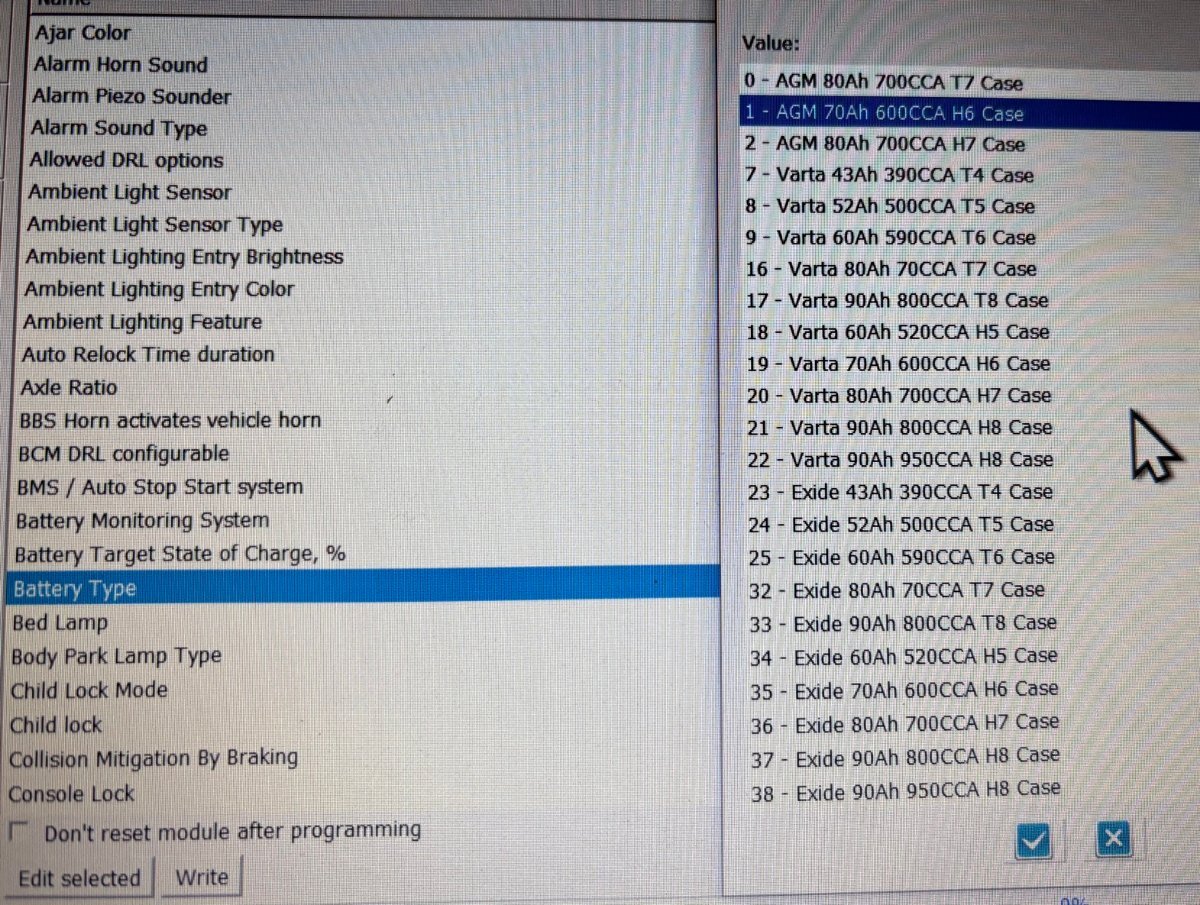
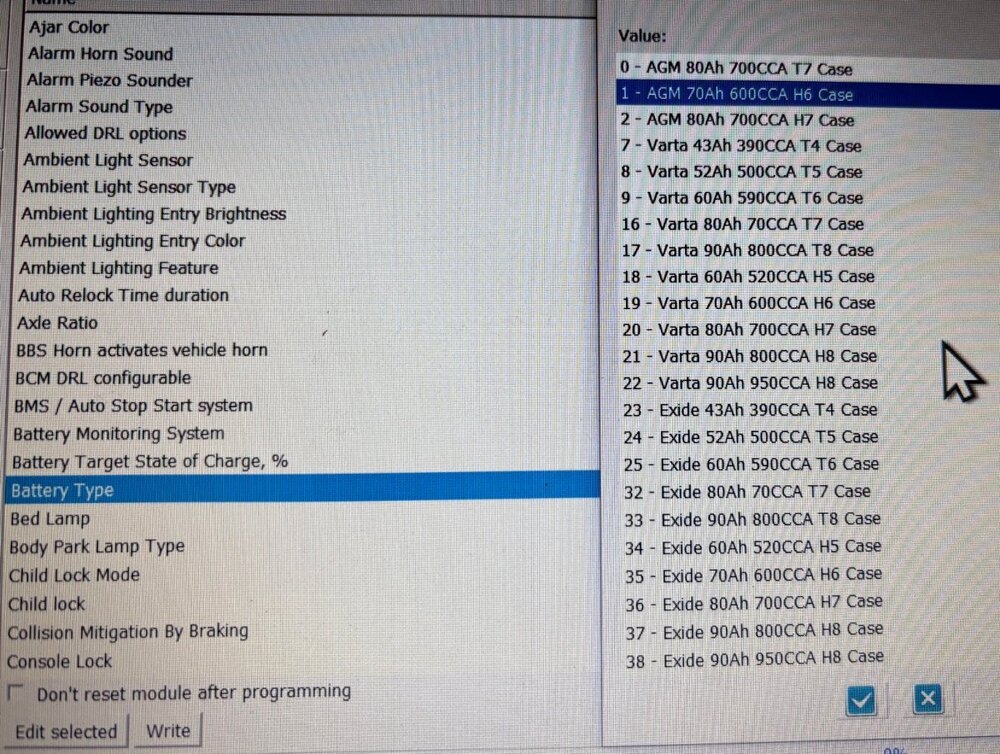
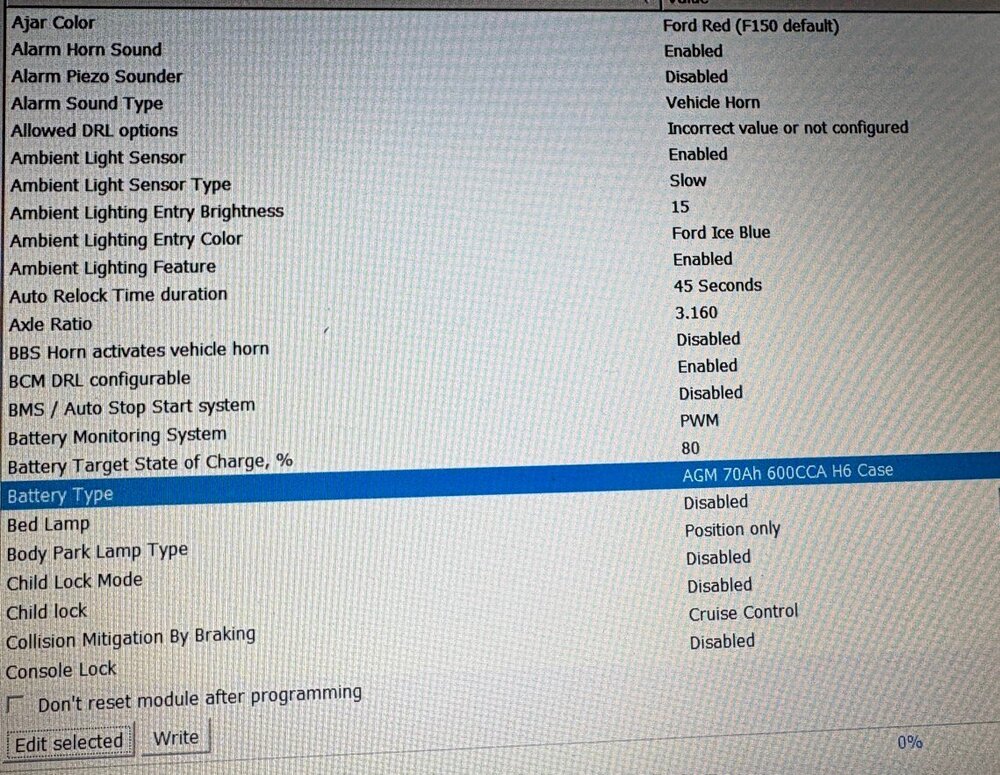
Returning to this thread - after installing a new OEM rear camera I reset everything back to As Built and now reapplying all my custom settings. I used "13" for the battery code and found that the the state of charge was heading towards 100%. I changed the battery code to "01" and will monitor. Battery age is accurate.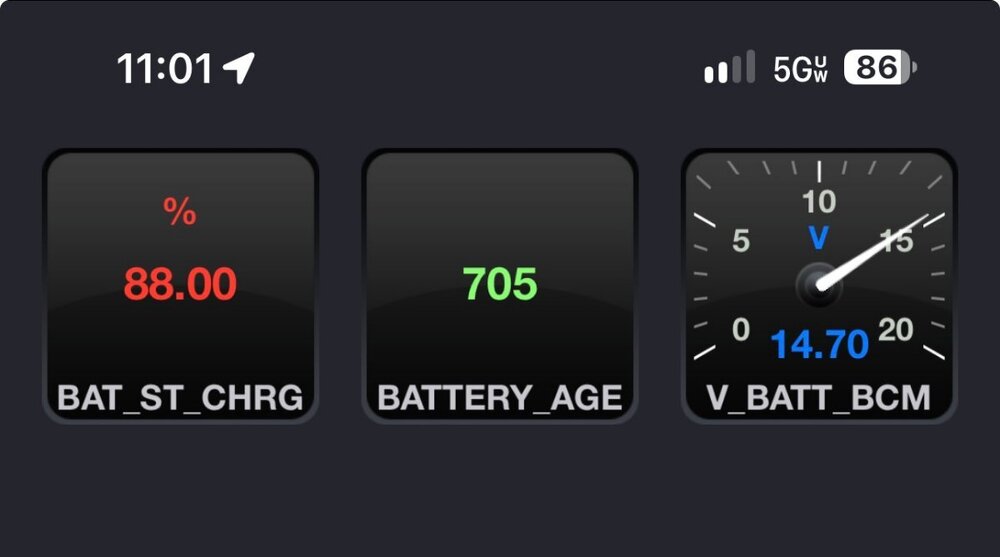
-
Comprehensive List of Possible Forscan Mods?
1004ron replied to ben senise's topic in Accessories & Modifications
In my case the dynamic guidelines worked immediately. -
Comprehensive List of Possible Forscan Mods?
1004ron replied to ben senise's topic in Accessories & Modifications
I installed a new rear OEM camera and in the struggle to get the lines back on the screen I reset everything back to factory, now working to restore all the custom settings such as battery size/type, double honk, front turn signals not doubling up as marker lights, ........ I would enjoy the heated wheel auto turn off - I always have Waze running which means going back to Ford Sync and then touching the small steering heating icon while driving. Of course I want to retain the auto heating when remote starting in winter. Did you or anyone else confirm this auto turn off works? -
Heated / Cooled seat not working.
1004ron replied to bruker's topic in Interior, A.C., Heat, Interior Trim
-
Heated / Cooled seat not working.
1004ron replied to bruker's topic in Interior, A.C., Heat, Interior Trim
@bruker have you scanned for codes yet? Front Seats - System Operation and Component Description.pdf Front Seats DT.pdf Front Seats Overview.pdf -
Backup camera working intermittently - No Guide Lines
1004ron replied to NickCo's topic in Audio, Backup, Navigation & SYNC
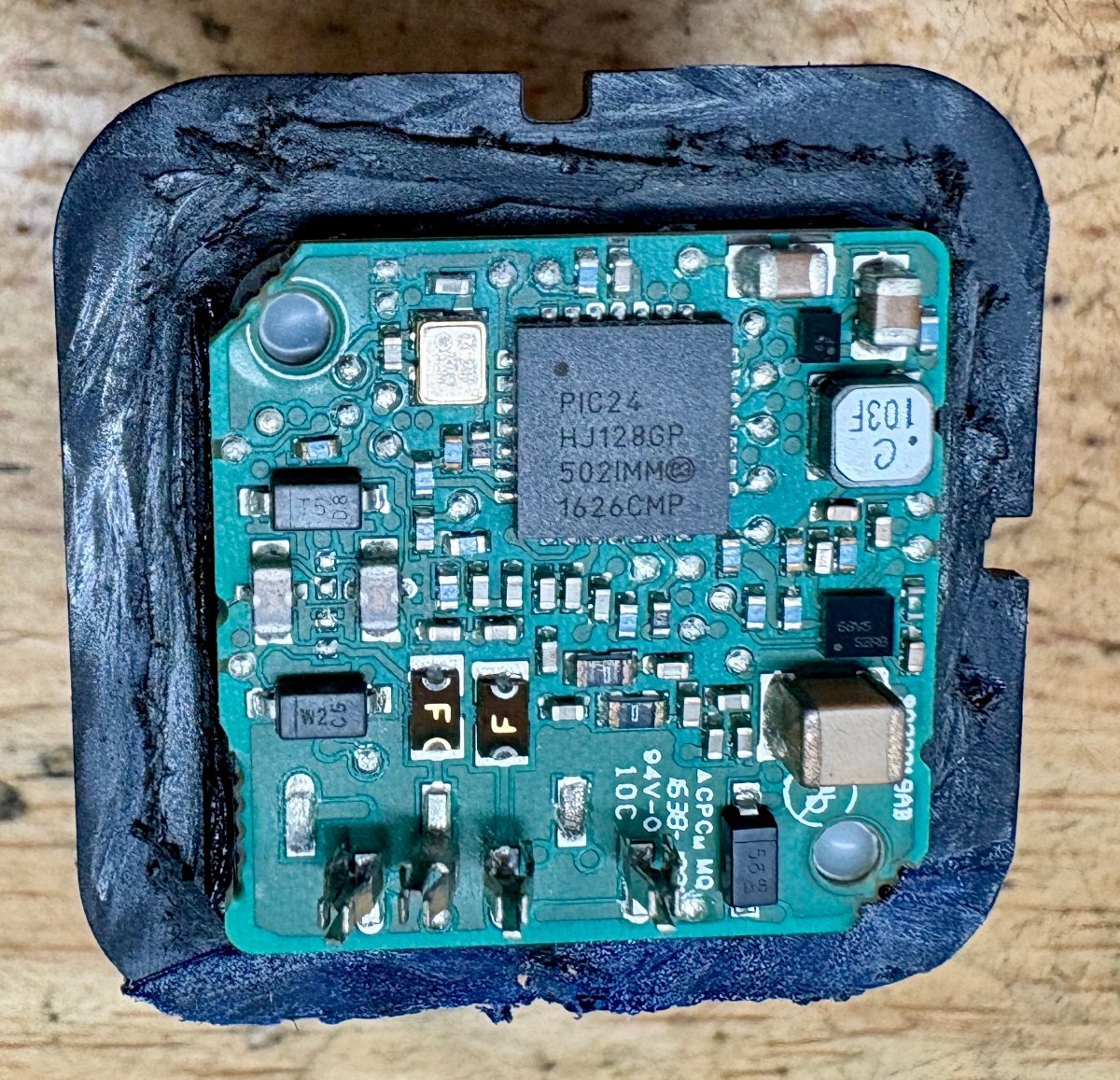
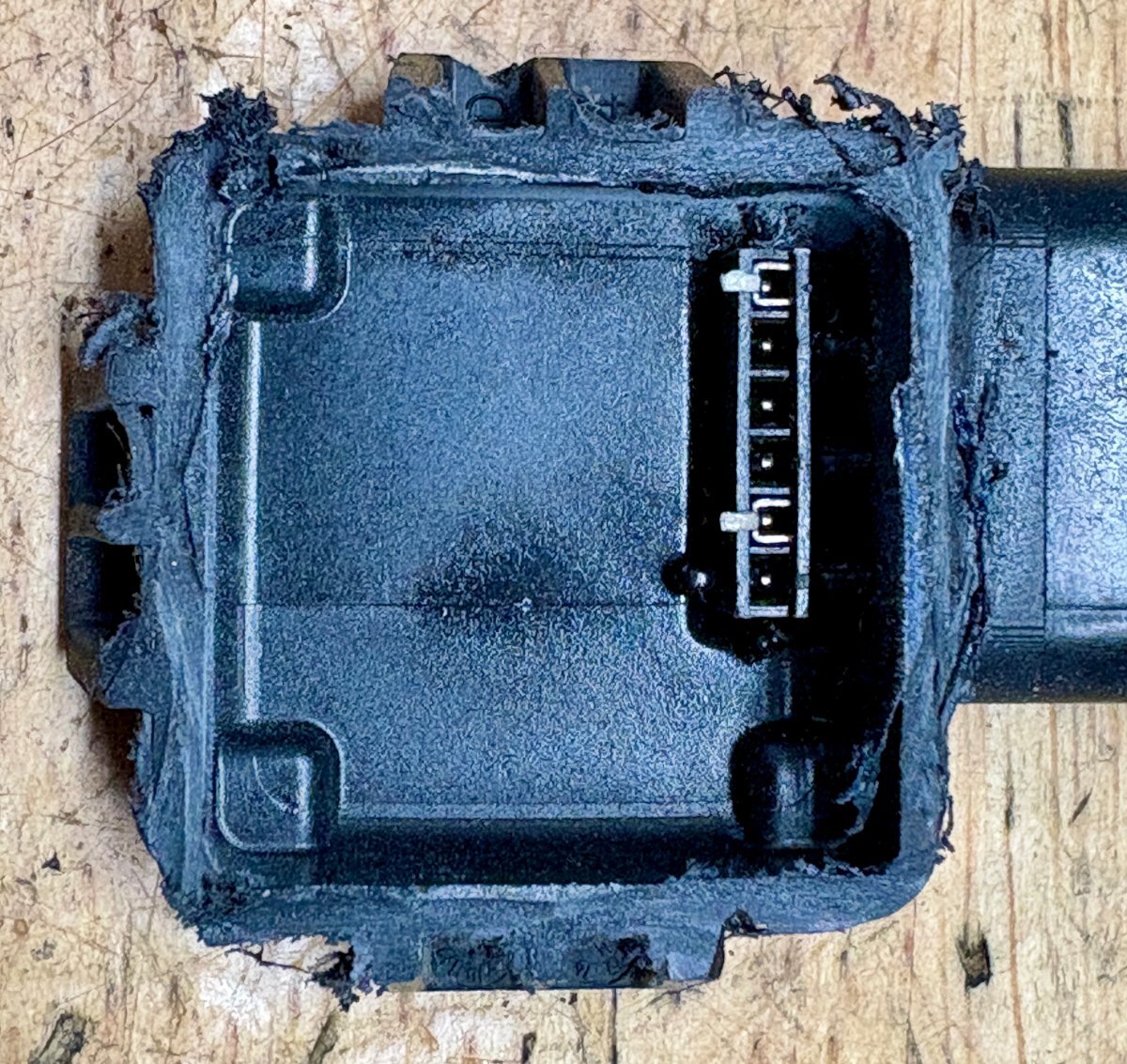
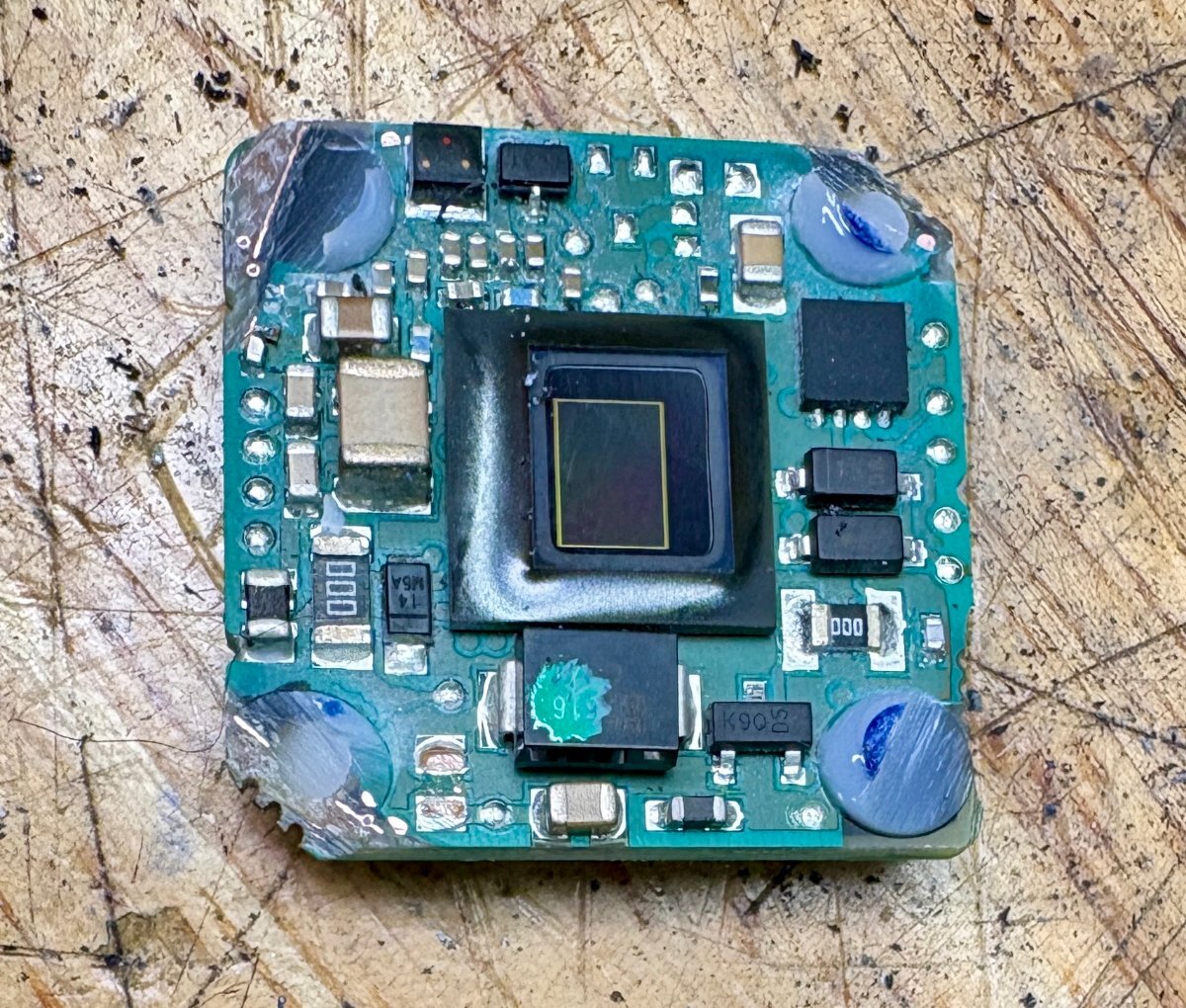
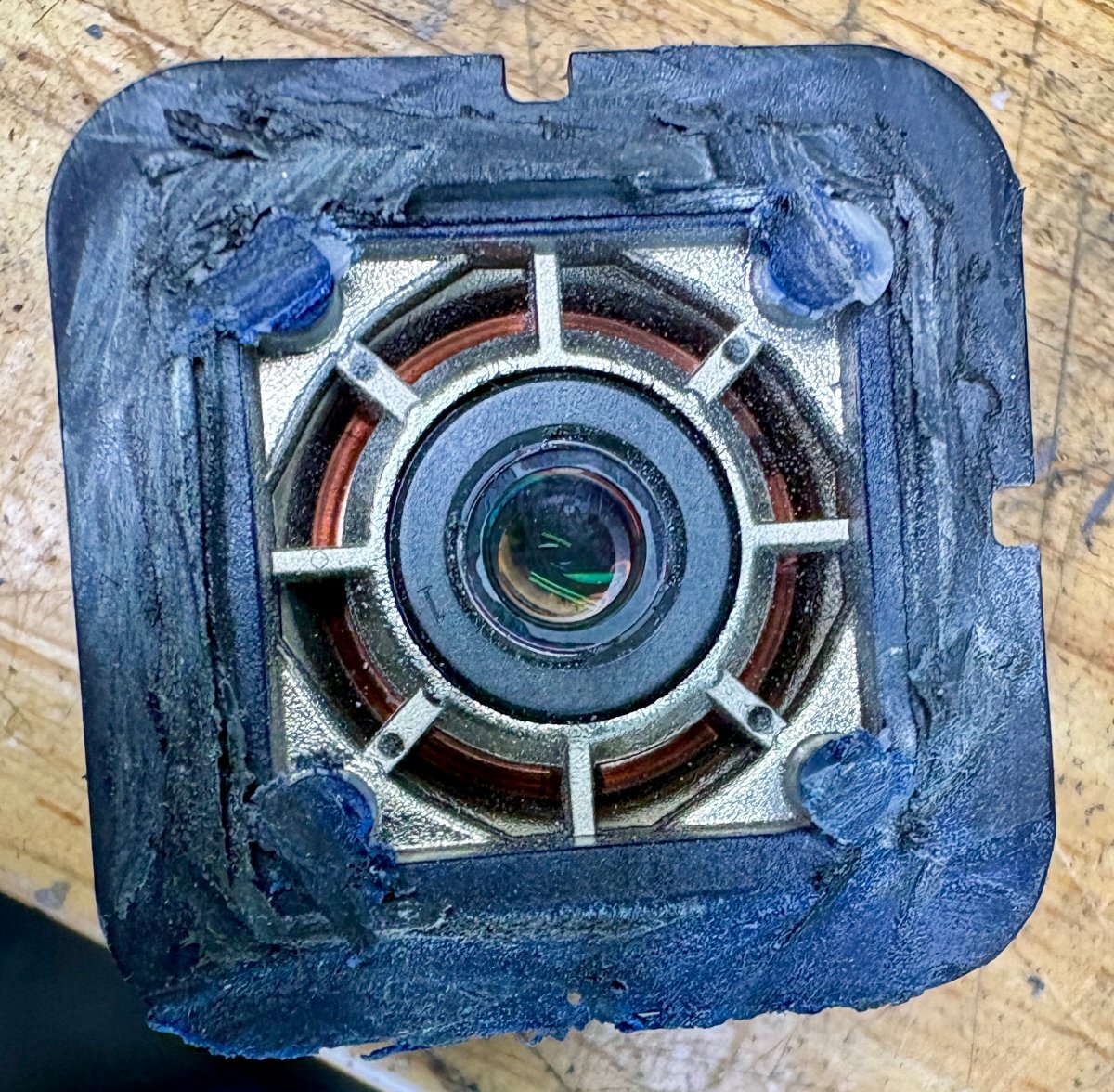
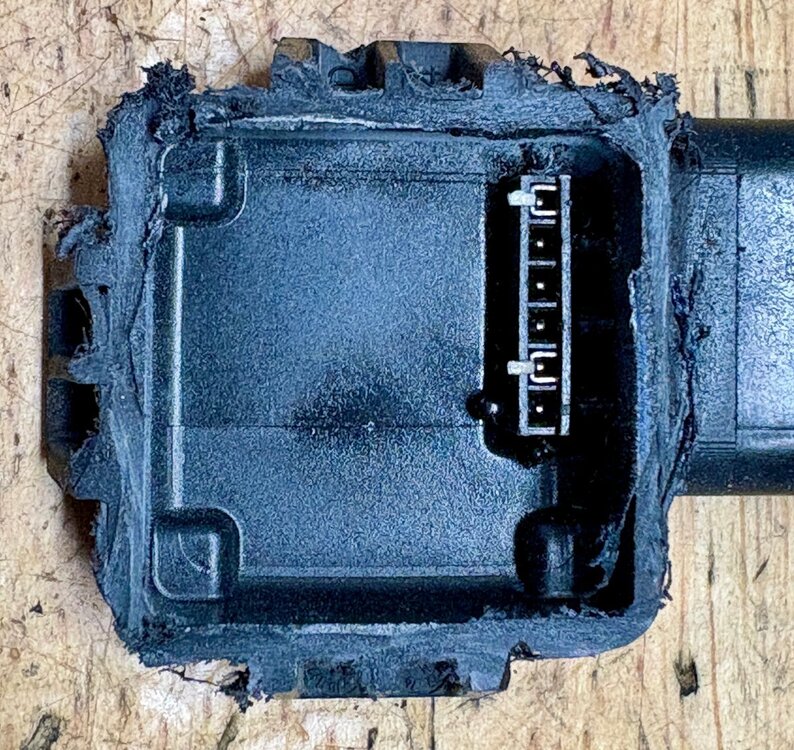
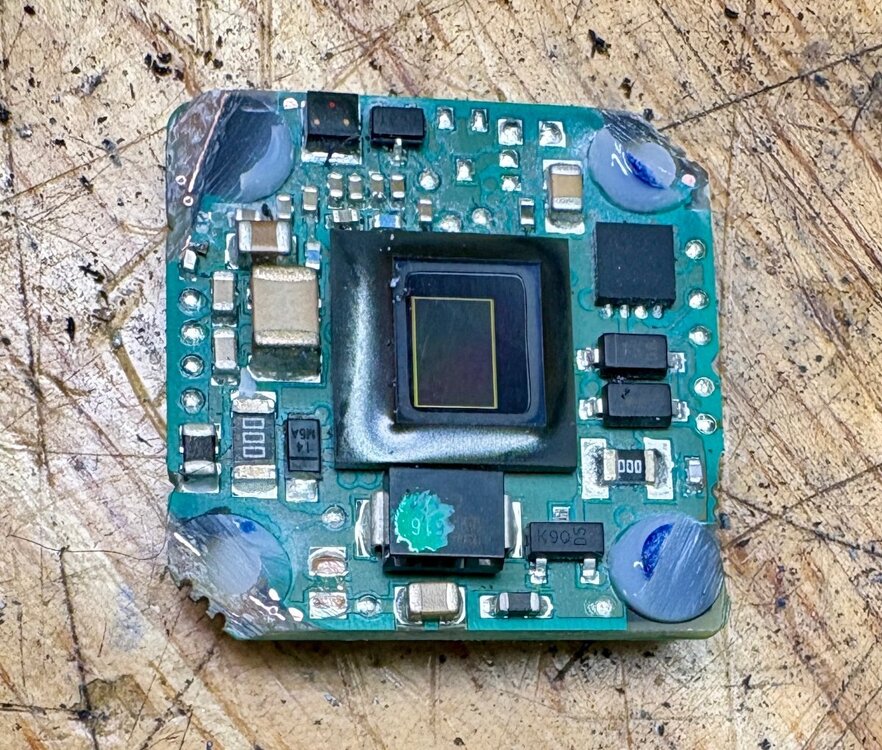
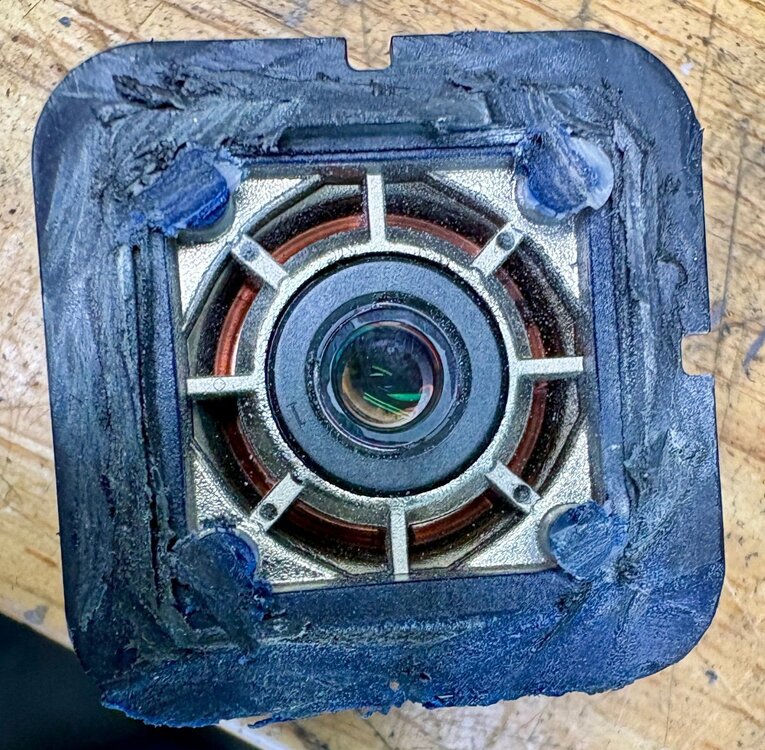
What the camera looks like inside.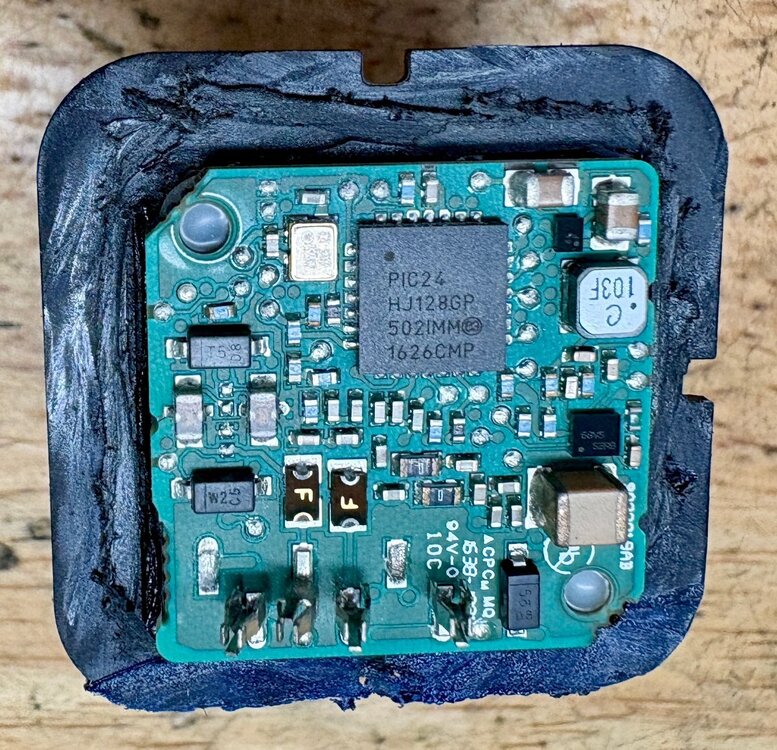
- 36 replies
-
- 3
-

-
- repair
- backup camera
- (and 3 more)
-
Backup camera working intermittently - No Guide Lines
1004ron replied to NickCo's topic in Audio, Backup, Navigation & SYNC
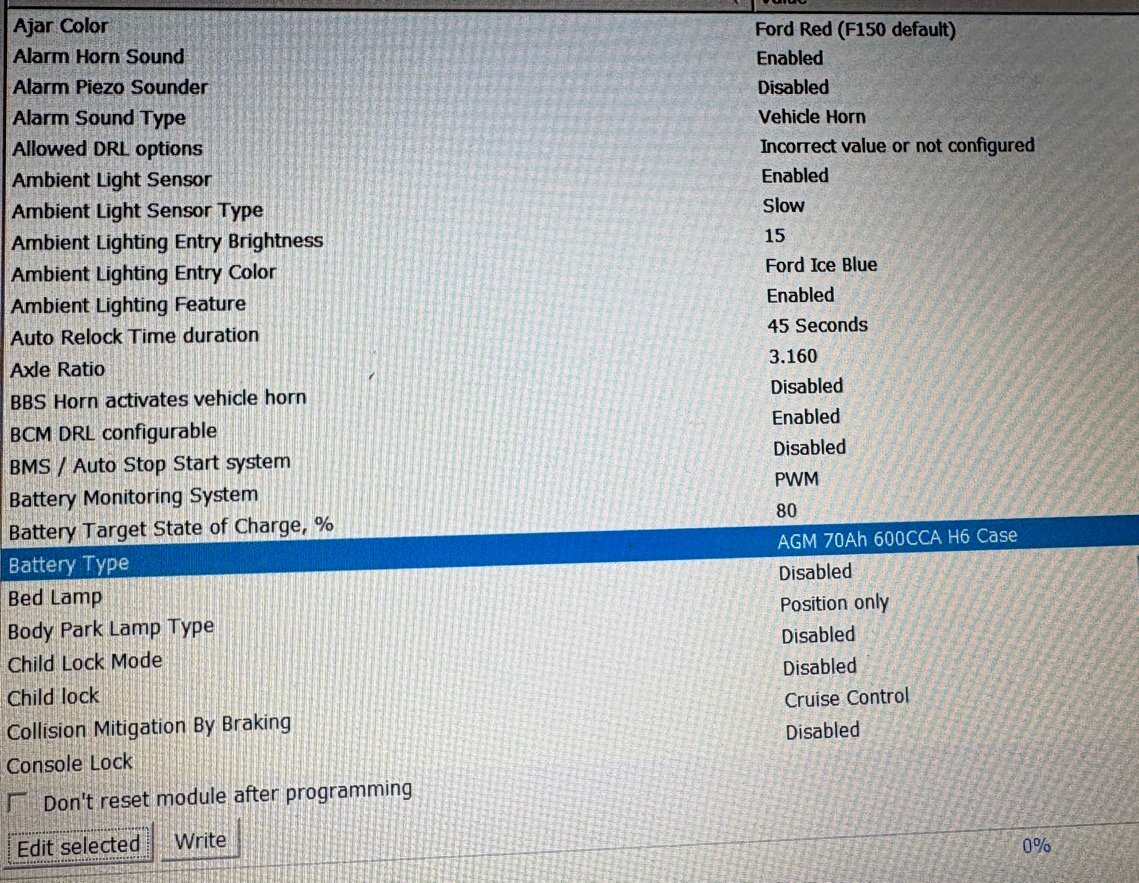
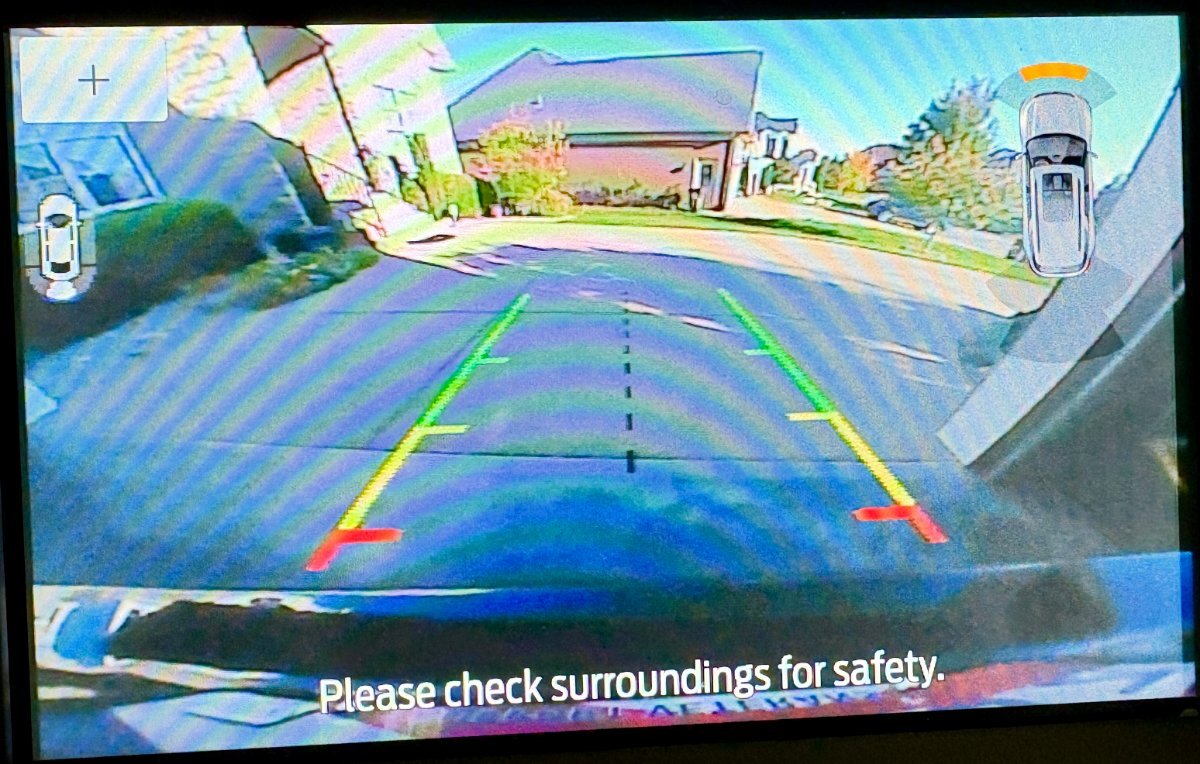
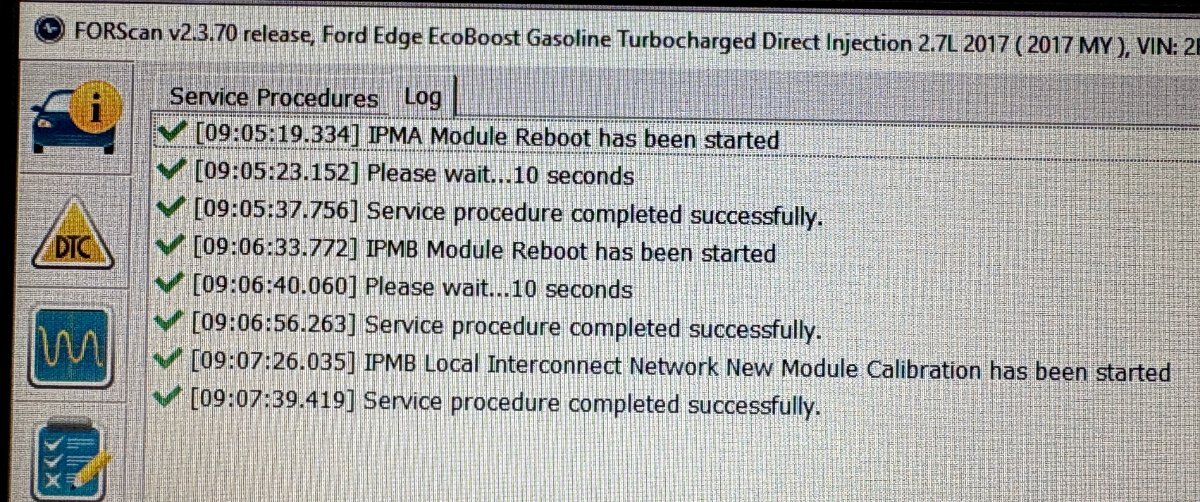
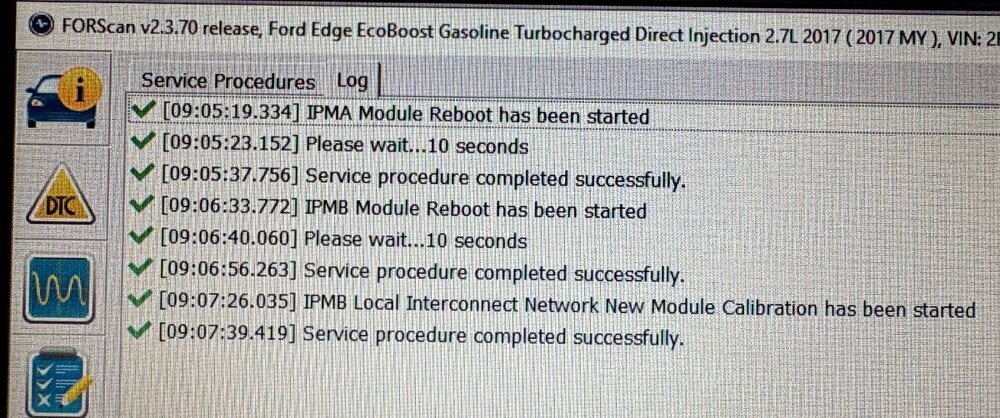
Success at last !!! It turned out quite an easy fix - see Forscan image below. Thanks to all those that helped. I don't recall ever seeing the small car image on the left nor the "+" sign - what should I expect from that? The "+" zoom works - don't recall ever seeing that and if it was available I didn't use it. Edit: Not sure if it has any bearing on the success but when connecting it presents an option to load a profile and this time I selected NO.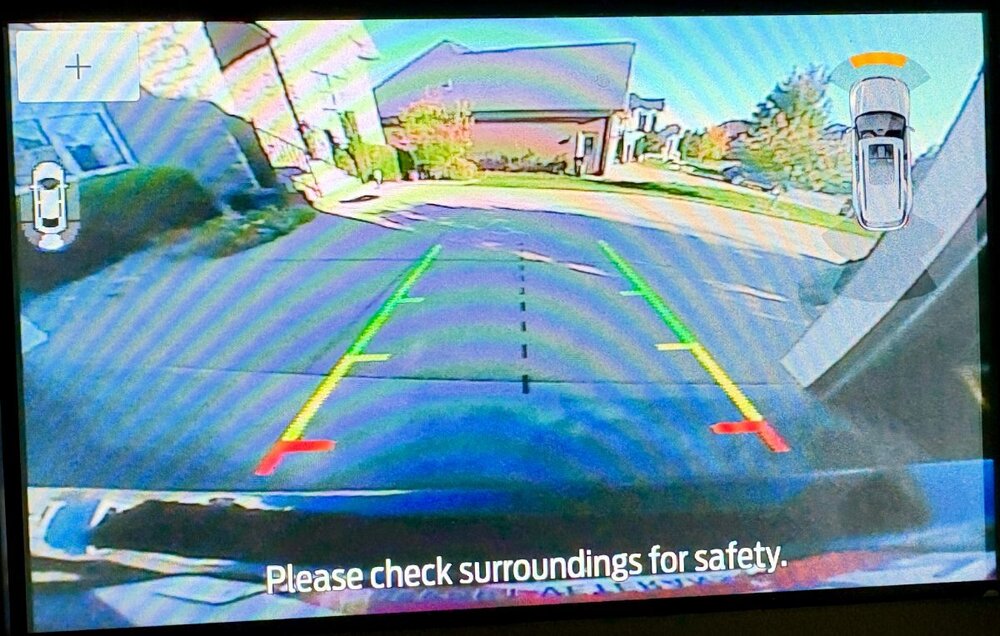
- 36 replies
-
- 2
-
-
- repair
- backup camera
- (and 3 more)
-
Heated / Cooled seat not working.
1004ron replied to bruker's topic in Interior, A.C., Heat, Interior Trim
I'm searching my files for information on the seat heating mat. https://www.oemfordpartsdirect.com/oem-parts/ford-seat-heater-pad-ft4z14d696p Take a look at the replacement part and it should give you an idea of what the connector looks like. Front Seats - System Operation and Component Description.pdf -
Heated / Cooled seat not working.
1004ron replied to bruker's topic in Interior, A.C., Heat, Interior Trim
I estimate that you should have around 2 ~ 4 ohm is the current draw is around 2 amp. https://www.digikey.com/en/resources/conversion-calculators/conversion-calculator-ohms -
Heated / Cooled seat not working.
1004ron replied to bruker's topic in Interior, A.C., Heat, Interior Trim
Continuity tone means the heating element isn't open circuit but could also be short-circuit - its the actual resistance value that would confirm that the element is in tact and not short circuit.